TrickleType Ivrea Ed.
Add to Chrome · Free
◆ Chrome Extension for Google Docs · No Sign-In Needed

Give your draft the patience of a human hand—
one key at a time.

Paste finished notes or feed in a .docx, choose when the page should be done, and watch TrickleType strike every character into Google Docs at a living pace—complete with comma breaths, thoughtful pauses, and the odd slip fixed with Backspace.

Install TrickleType — Free to Start → Test the Live Platen ↓
✓ Free to start (up to 1,000 words/day) · ✓ .docx, .md & .txt · ✓ Keeps typing in hidden tabs
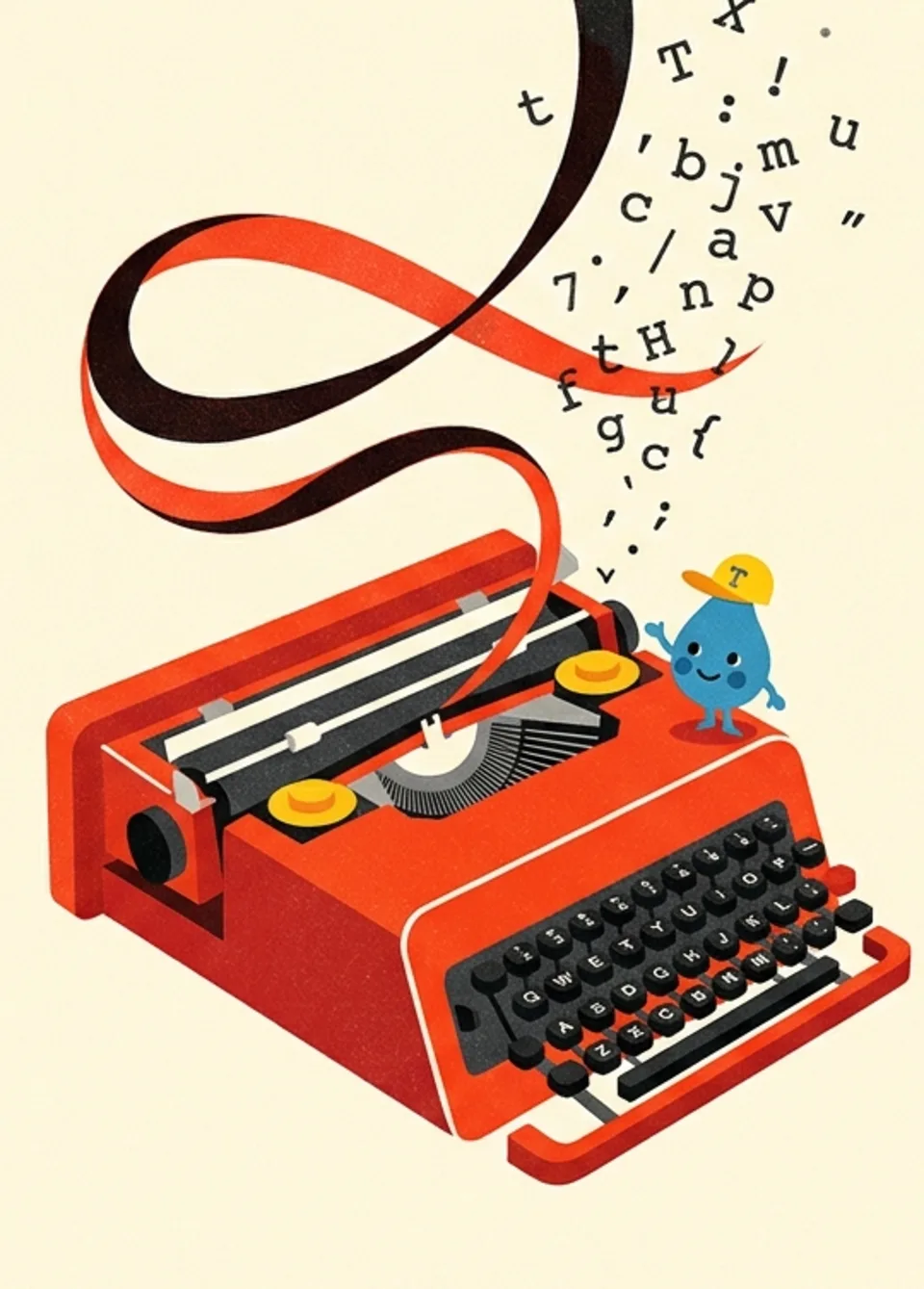
1960s Italian screenprint poster of a vermilion portable typewriter unspooling a black-and-red silk ribbon of floating letters beside Tippy, a blue ink-drop mascot in a yellow T cap
TAVOLA I — STUDIO DEL RITMO TIPPY & RIBBON NO. 04
◆ Specimen 01 · The Self-Typing Sheet

Paste a draft. Pick a finish time. Watch the ink land.

Interactive Platen
Google Docs · Saturday_Draft — Body Platen Calculating finish clock…
Ready on the platen… Tip: Toggle Keystroke Sound in the top bar
◆ Specimen 02 · Anatomy of a Human Sentence

It pauses where you would.

One vertical bar per keystroke—taller means a longer breath. Small words (“for”, “the”) rush out together, commas take a quarter-second beat, full stops wait half a second or longer, and an occasional wrong neighbour key (red) is caught and erased with Backspace before the word finishes.

Hover any bar or press “Strike This Sentence” to inspect keystroke timing. ■ INK: RHYTHM · ■ BLUE: PUNCTUATION REST · ■ RED: SLIP + BACKSPACE
◆ Tavola II · Unthrottled Escapement

Switch tabs. Pour an espresso. The pace never falters.

Chrome normally slows timers in hidden tabs to a crawl, stalling ordinary typing tools the moment you look away. TrickleType’s background escapement keeps the exact same cadence in a background tab, a minimised window, or behind other apps—and prevents your computer from nodding off mid-run.
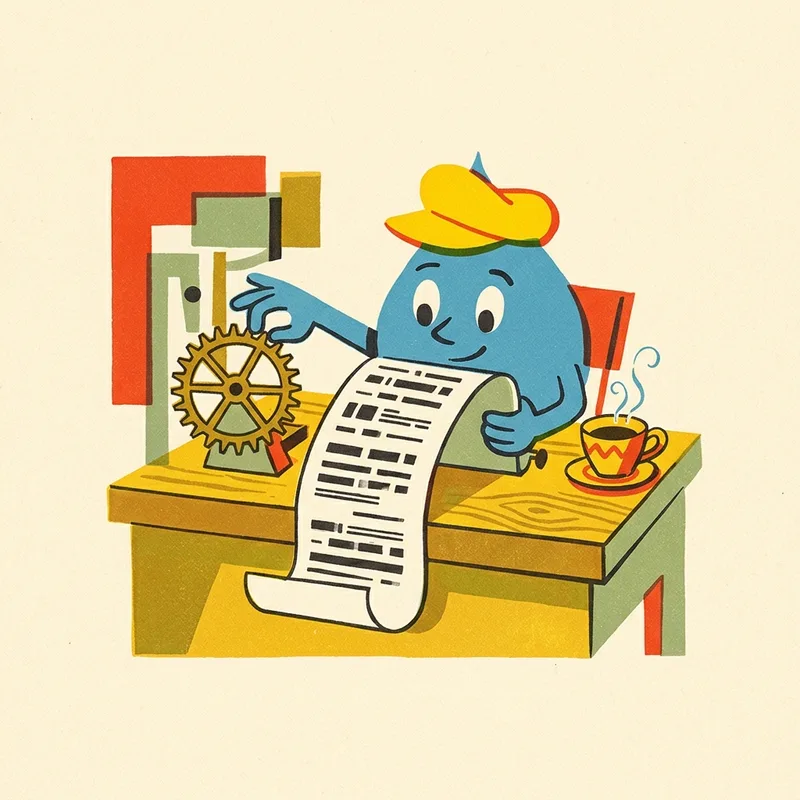
Mid-century gouache illustration of Tippy, a blue ink-drop wearing a yellow cap, tending a brass clockwork gear and paper scroll beside an espresso cup
FIG. 02 — TIPPY AT THE ESCAPEMENTBACKGROUND KEEP-ALIVE
◆ Tavola III · Manuscript Feed

From Word or notes straight onto the roller.

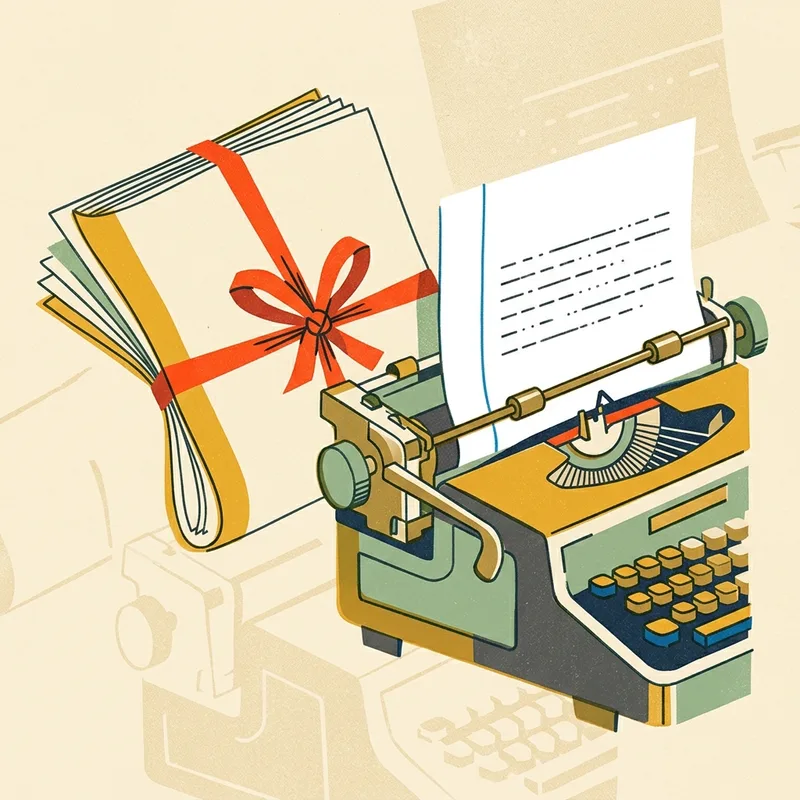
Wrote your draft in Word, Markdown, or a plain scratchpad? Upload a .docx, .md, or .txt file—or paste straight into the Chrome side panel. Line breaks, paragraph breaks, and tabs arrive keystroke by keystroke inside any Google Doc you can edit, new or already started.

Mid-century screenprint of folded manuscript pages tied in red ribbon feeding through brass typewriter rollers into a crisp lined page
FIG. 03 — .DOCX & PLAIN MANUSCRIPT FEEDCHROME SIDE PANEL
◆ Tavola IV · Cloud Dispatch (Pro)

Shut the laptop lid. Your Doc keeps writing.

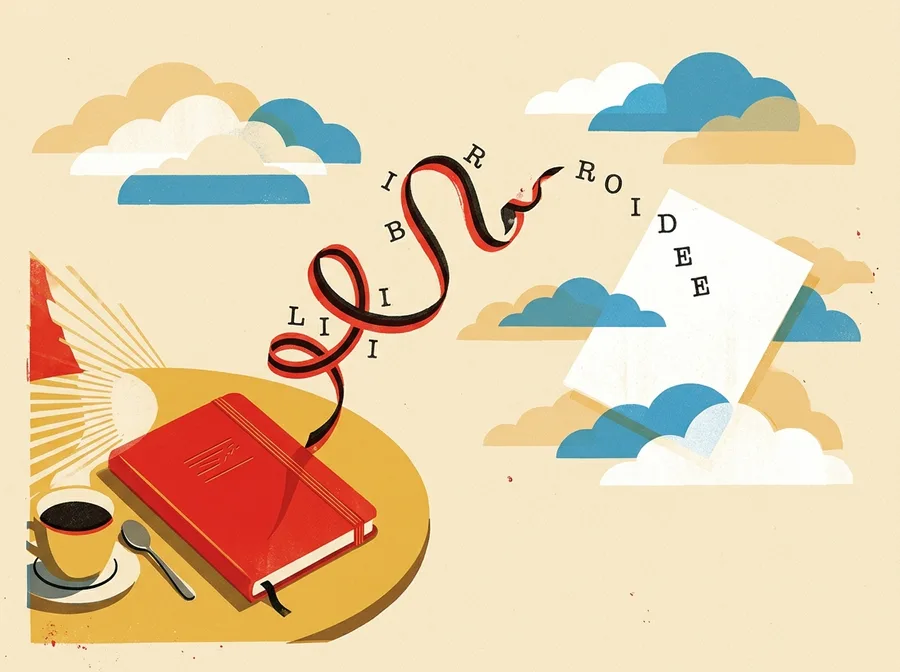
For multi-day jobs or overnight runs, optional Cloud typing on Pro types into the Google Doc you pick via Google’s Docs API—carrying on with Chrome closed or your notebook in your bag, up to three runs at once. Reloaded or closed a local tab mid-run? TrickleType offers to pick up right where it stopped.

Mid-century illustration of a closed red notebook on a sunlit table while a red-and-black typewriter ribbon carries letters into the clouds onto a floating page
FIG. 04 — CORRIERE NUVOLAPRO · UP TO 3 CLOUD RUNS
◆ Tariffa & Privacy · Honest Mechanics

Free to start. Pro for big jobs.

Local-First Privacy
Free Edition

Daily Desk Ribbon

Install and start typing right away—no account, no Google sign-in.

  • ◆Up to 1,000 words a day (words, not characters), resetting at midnight local time.
  • ◆Runs up to 3 hours with “Done by” finish clock shown before you press Start.
  • ◆Paste or upload .txt, .md, and .docx; keeps typing in background tabs.
  • ◆First run includes a taste of Pro, and local browser runs never upload your text.
Add to Chrome — Free to Start
Pro Edition

Long-Haul Escapement

Built for marathon manuscripts, richer typo settings, and closed-lid Cloud runs.

  • ◆Big jobs & marathon schedules — schedule typing runs lasting up to 10 days.
  • ◆Full typo & Backspace controls — natural neighbour-key slips noticed and fixed mid-word.
  • ◆Cloud typing (beta) — keeps typing with Chrome closed (up to 3 simultaneous runs; draft deleted when the run ends).
  • ◆Monthly, Yearly, or Lifetime options available on trickletype.com/pro.
Explore Pro Plans →